SH010WideGeneratingReview
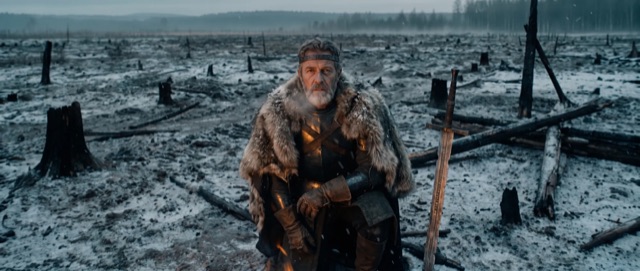
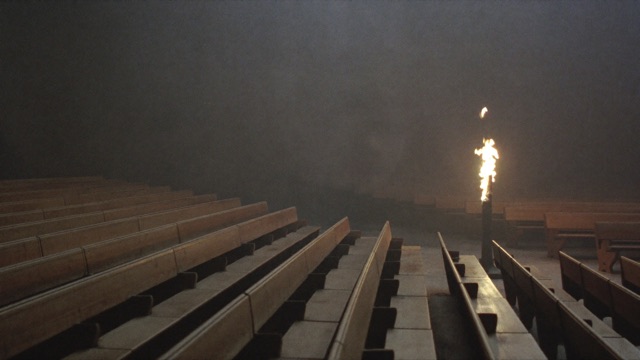
A lone rider crosses the snow toward the fortress.
KThe knightNNorth road
Reel Lab · Desktop app · In use
Reel Lab is the production office for AI film. A generator hands you loose clips. Reel Lab keeps the film: a project holds scenes, a scene holds shots, and every shot keeps every take, with its cast, place and look pinned to it. It runs on your machine, on your own provider accounts, and everything it makes is a file you own.
You decide. Agents do.
Scroll and follow the signal. On the top lane a person makes the call. On the bottom lane the agents do the work.
01 / 06You
Break the film into scenes and shots.
A person makes this call.
Reel Lab · 01 / 06
Every generator hands you one more file.
Loose clips with meaningless file names are scattered everywhere, one more file from every generator. The same thumbnails fly into a clear structure: a project holds scenes, a scene holds shots, and every shot keeps every take. Cast, place and prop references are pinned to the shots that use them, and stay pinned when a shot's action changes. A prompt is written from labelled blocks, and the look block is shared by every shot. Takes are reviewed with two keys, keep and kill. Finally a ledger fills up to a ceiling you set, and the kept takes land as plain, named and numbered files in a folder.
Every AI video tool is built to make one more clip. A film is hundreds of them, and nothing keeps track: which take, which face, which look, and what it has cost so far.
Four levels: a project holds scenes, a scene holds shots, and every shot keeps every take
Every shot carries its own cast, place and props. Change the beat and the references stay pinned
A prompt builder: pick the frame you want and the prompt writes itself, with the look written once
Review at the speed of a keyboard
Remotion Studio: charts, maps and titles built as code, landing on the storyboard as takes
You pay the provider per credit and set the ceiling. Output is plain files in a folder you own
Four layers, you on top.
You
The story, the taste and the final say on every take.
Claude Code
Does the thinking, on the subscription you already have.
Providers
Image and video models on your own accounts, under your ceiling.
Files
Plain files, named and numbered, in a folder you picked.
Your version
Want one built?
Bring the workflow you have today. We will show you what this looks like for your team.